Learn
A polished dashboard can make a business feel more organized before anything has moved inside it.
You can picture the tidy projects, the finished content and the clear weekly plan. Then the template joins the other downloads, waiting for a free afternoon and a better understanding of how it works.
Before buying another, identify the job you need it to do. That gives you a way to judge the product beyond its preview images.
Describe the problem without naming a tool
Write one plain sentence. “I cannot find the current version of a client file.” “I forget to follow up after sending a proposal.” “My content ideas never become scheduled posts.”
These are different problems. They may need a folder routine, a reminder or a content workflow. A large business dashboard might cover all three, but it may also bring more setup than you need.
Notice whether the missing piece is information, a repeatable process or time to do the work. A template can support the first two. It cannot create a work block in an already full day.
Check what you already have
Open the planner, spreadsheet or notes app you use most often. Could one additional column or a simpler view solve the problem?
If the answer is yes, try that change first. If you keep rebuilding the same structure or need guidance you do not have, a ready-made resource may be a useful purchase.
Look beyond the cover
Read the product description for the contents, file format, required software and instructions. Check whether the download is printable, editable or both.
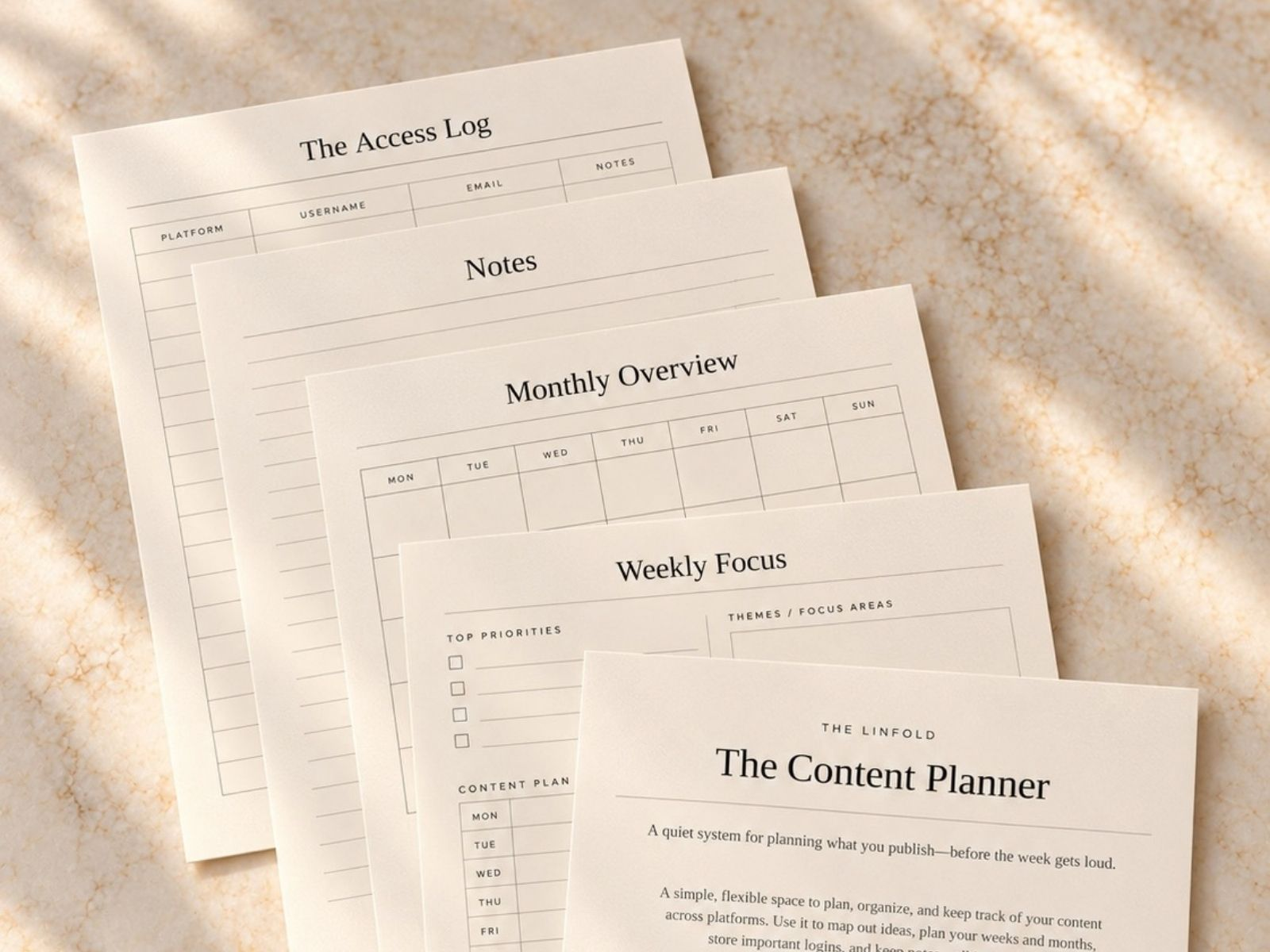
Ask what the preview is showing. Are those the pages included in the product? Is the dashboard full of sample information? Does the buyer need a paid account to use important features or assets?
Page count is a weak measure of fit. Five pages you will use can be more valuable than fifty you will have to work around.
Consider the setup cost
Price is only part of the decision. You may also need to learn a new app, transfer information, replace fonts or rebuild parts of the layout.
Read any available setup guide before purchasing. If it is unclear how to begin, ask the seller a specific question about your intended use.
For example, someone publishing a few posts a week may need a calendar with status and file links. A workspace designed for a large team could add approvals and reporting they will never use.
Decide how you will use it this week
Name the first task you will complete with the template. Then check that the product supports that task without unnecessary steps.
Buy when the fit is clear, the requirements are manageable and you have a place for the resource in your routine. Save it for later when those pieces are still missing.
The best template purchase is one you can put to work, with a clear reason for bringing it into your business.
If the template you’re considering is a content planner, How to Create a Weekly Content Calendar shows how simple a working one can be.
Fresh reads, useful tools and a little inspiration for your home and working life. Join The Letter to stay in the fold.
Keep reading