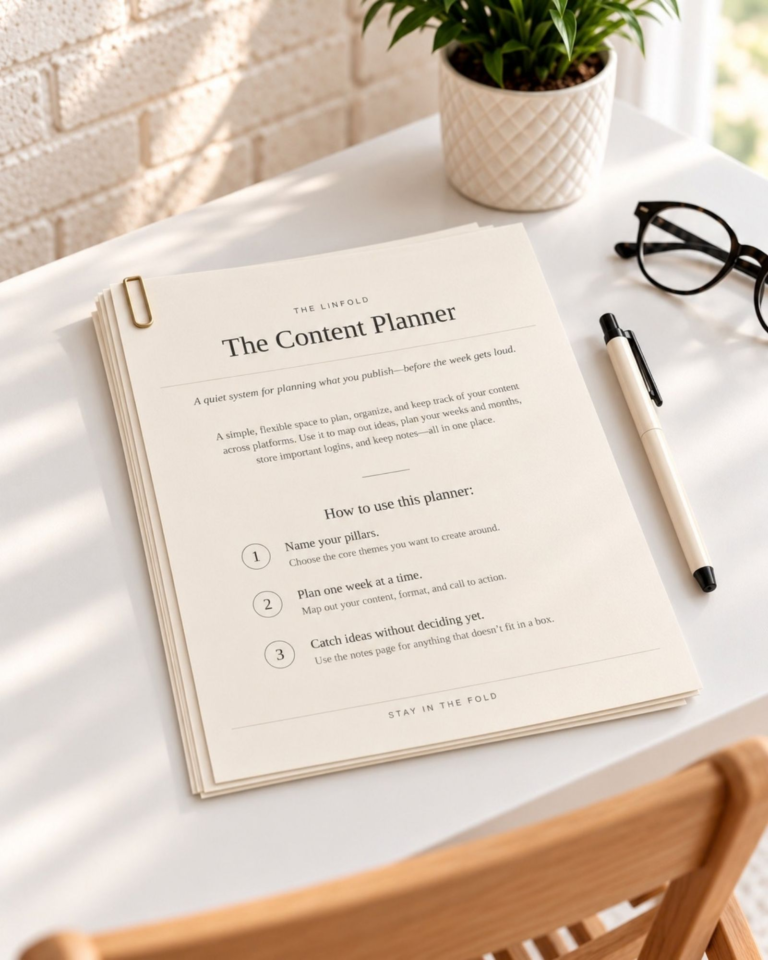
You download a template, open it once and return a week later to three files with almost the same name. The original is somewhere in Downloads. The edited version might be on your desktop. The file ready to use is the one you cannot quite identify.
Start by giving those versions different jobs.
Separate the original from the working copy
For each product or project, create three folders: Original, Working and Ready. Keep the seller’s original files and instructions in Original. Make changes in Working. Put only checked exports in Ready.
You do not need to copy your entire archive tonight. Set up the structure for the next resource you use, then bring older files in when you need them.
Put the useful details in the name
A filename should help you answer three questions: what is this, which version is it and what can I do with it?
For example, weekly-planner-working-v02.pdf and weekly-planner-print-ready-v02.pdf tell you more than planner-final-final.pdf. If dates matter, use a consistent year-month-day format. Keep an exported version number aligned with its source file.
Choose a pattern you can maintain. A perfect convention that you abandon after two days will not help you find anything.
Keep the instructions and license nearby
Save the setup instructions, purchase reference and usage terms with the original files. Before sharing a template or using it in a client project, check the permission that came with it. Purchasing a resource does not automatically give you permission to redistribute it.
If a file depends on an account or paid software, note that in a short readme. Keep passwords in your password manager, not in the folder notes.
Check the ready folder before you use it
Open the export. Confirm the page order, version and any links or text you changed. Then move it into Ready. A useful folder name cannot tell you whether the file itself is correct.
Keep a backup appropriate to the importance of the work. A tidy folder is easier to navigate, but it is not protection against losing the device or accidentally deleting a file.
Your next step
Choose one recent download. Separate its original, working and ready files, then rename the current version so you can recognize it tomorrow.
Related reading: How to Stay Organized as a Content Creator and Before You Buy Another Template.
Keep reading