Disorganization rarely arrives all at once. It builds quietly: an idea saved in three places, a draft you cannot find, a folder of photos named with numbers, a login you have reset twice this month. If you have wondered how to stay organized as a content creator without rebuilding your whole working life, the answer is a handful of small, steady habits. Each one removes a little friction, and together they give you back time and calm.
Here is where to start, in the order that tends to make the biggest difference.
How to stay organized as a content creator: start with ideas
Ideas come at inconvenient moments: in the car line, while cooking, halfway through a conversation. If they land in a different place each time, they are as good as lost. Choose one capture point and use it every time.
- Pick one place. A single note on your phone, a small notebook in your bag or one page in your planner. The tool matters less than the habit of always using it.
- Capture quickly. A few words is enough: “entryway before and after” or “reader asked about mornings.” You can expand later.
- Sort once a week. Move the strongest ideas into your content plan, tag them by topic and delete the ones that no longer spark anything.
An idea bank that you review weekly turns scattered inspiration into a ready supply of topics, so planning never starts from nothing. It helps to note where each idea came from as well: a reader question, a conversation, something you noticed at home. Ideas drawn from real questions often make the most useful content, and seeing their source reminds you why they mattered. Over time, you will notice patterns in what people ask, and those patterns can shape your pillars and even your offers.
Give every draft one home
Drafts tend to multiply across email, documents, notes and social apps. Decide where drafts live and keep them there until they are published. A simple folder structure works well:
- 01 Ideas: rough outlines and early notes.
- 02 Drafting: pieces you are working on now.
- 03 Ready: finished and waiting to be scheduled.
- 04 Published: archived, with the date added to the file name.
The numbers keep folders in order, and moving a file from one stage to the next gives you a quiet sense of progress. When a published piece is ready to be reshaped for another channel, you know exactly where to find it. The idea of adapting a single piece is explored in Create Once, Adapt With Intention.
Name and file your photos so you can find them
Images are often the most chaotic part of a creator’s work. A camera roll of thousands, exported files with default names and edits saved in a dozen places. A consistent naming pattern solves most of it.
Try this format: date, topic, description, version. For example:
- 2026-10-04_entryway_bench-styling_01.jpg
- 2026-10-04_entryway_bench-styling_01-edited.jpg
- 2026-10-11_kitchen_morning-light_03.jpg
Starting with the date sorts files by when they were taken. The topic and description make them searchable. For folders, group by year, then by month or by shoot, and keep a separate folder for final, edited images you are happy to reuse. After each shoot, take ten minutes to delete the blurry and near-duplicate frames before they settle in.
Keep a simple tracker and a weekly reset
You do not need an elaborate dashboard. A plain table with a few columns will show you what is moving and what is stuck:
| Title | Channel | Stage | Publish date | Notes |
|---|---|---|---|---|
| Styling a small entryway | Blog | Drafting | Oct 14 | Need two more photos |
| Entryway pins | Ready | Oct 15 | Three designs | |
| Weekly letter | Idea | Oct 16 | Share the story behind the bench |
Pair the tracker with a short weekly reset, ideally at the same time each week. Thirty minutes is plenty:
- Empty your idea capture point into your idea bank.
- Update the stage of every piece in the tracker.
- Move finished drafts and photos into the right folders.
- Clear your desktop and downloads folder.
- Choose the three most important content tasks for the week ahead.
For parents working from home, this reset works best when it is tied to a predictable household moment, such as Sunday evening or a quiet weekday morning. Plan a Work Week Around Family Life has more on finding those windows.
Keep logins in one private place
Creators accumulate accounts quickly: social platforms, an email service, a website, a shop, image tools, scheduling tools. Hunting for login details interrupts focus and invites the habit of reusing passwords. Keep a single, private record of every account you use for your work.
- List each account, the email address it uses and what it is for.
- Store passwords in a secure password manager rather than in plain notes or shared documents.
- Turn on two-step sign-in wherever it is offered.
- Note renewal dates for paid tools so nothing lapses or renews unexpectedly.
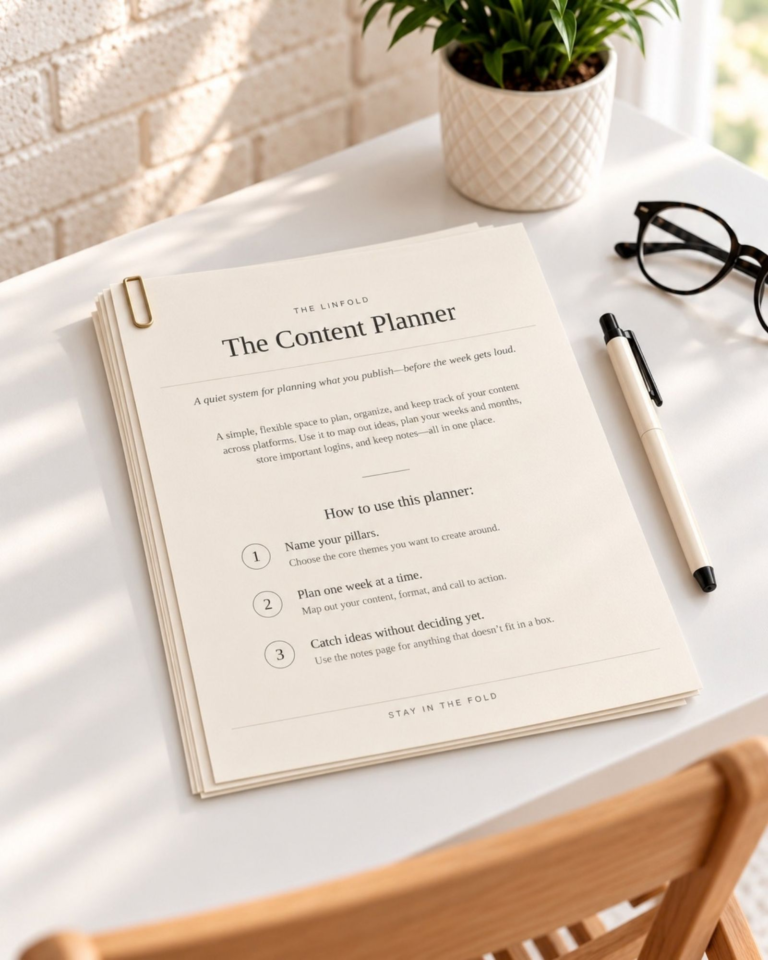
If you prefer to keep this overview on paper, The Content Planner includes a private Access Log for recording which accounts you use and where their details are kept.
Organization as a habit, not a project
It is tempting to spend a whole weekend reorganizing everything, then watch it slide within a month. A better approach is to set up one habit at a time. Start with idea capture this week. Add the draft folders next week, then the photo naming pattern, then the tracker and reset. Within a month, the pieces support each other, and staying organized takes minutes rather than weekends.
The aim is not a perfect workspace. It is a working life where you can find what you need, see what comes next and give your best attention to the creative part.
Your content organization checklist
- Choose one place to capture every idea
- Create numbered folders for ideas, drafts, ready and published
- Name photos by date, topic, description and version
- Delete unusable photos after each shoot
- Set up a simple tracker with five columns
- Schedule a thirty-minute weekly reset
- Record every work account in one private place
- Turn on two-step sign-in for your key accounts
Keep reading